


© 2010 - 2026 SouthBit Data Recovery, Studio 109, Palmyra Junction, 9 Palmyra Road, Claremont, 7708, 021 205 1119
The Ultimate Guide to Data Recovery for Home and Business
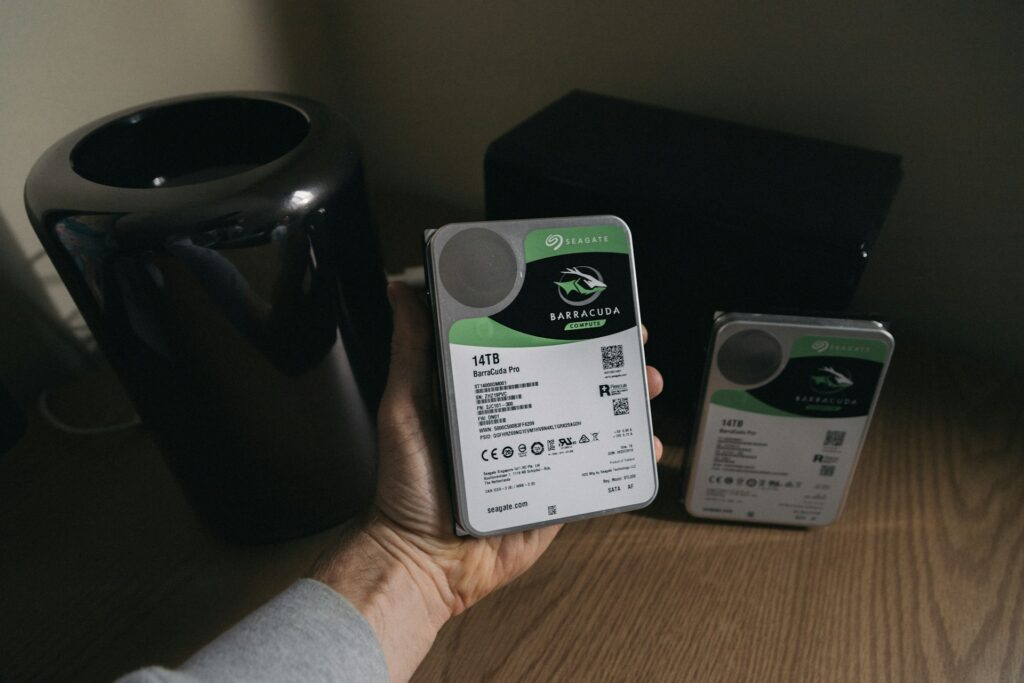
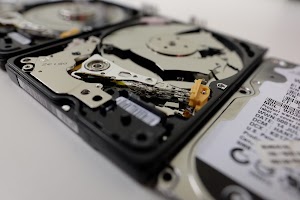
Losing precious files or critical business data can be a heart‑stopping moment. Whether it’s a dropped laptop, a corrupted server, or an accidental deletion, effective data recovery skills—and knowing when to call in experts—turns disaster into a manageable hiccup.
Data loss isn’t just a tech glitch; it’s a real‑world headache that can disrupt family photo albums or bring entire businesses to a standstill. Hard drives click and fail, USB sticks get lost, and ransomware can scramble files in seconds.
In many cases, the first instinct is panic—continuously rebooting, plugging and unplugging drives, or downloading the first “recovery” tool you find. Unfortunately, each write operation to a failing drive or unvetted software installation can overwrite the very sectors you need to save.
At Southbit, our first advice is simple: stop using the device. Power down, disconnect, and resist the urge to DIY beyond a basic inspection. Early intervention—paired with a professional imaging tool—prevents further damage and maximises your chance of getting every byte back.
Signs of Impending Failure
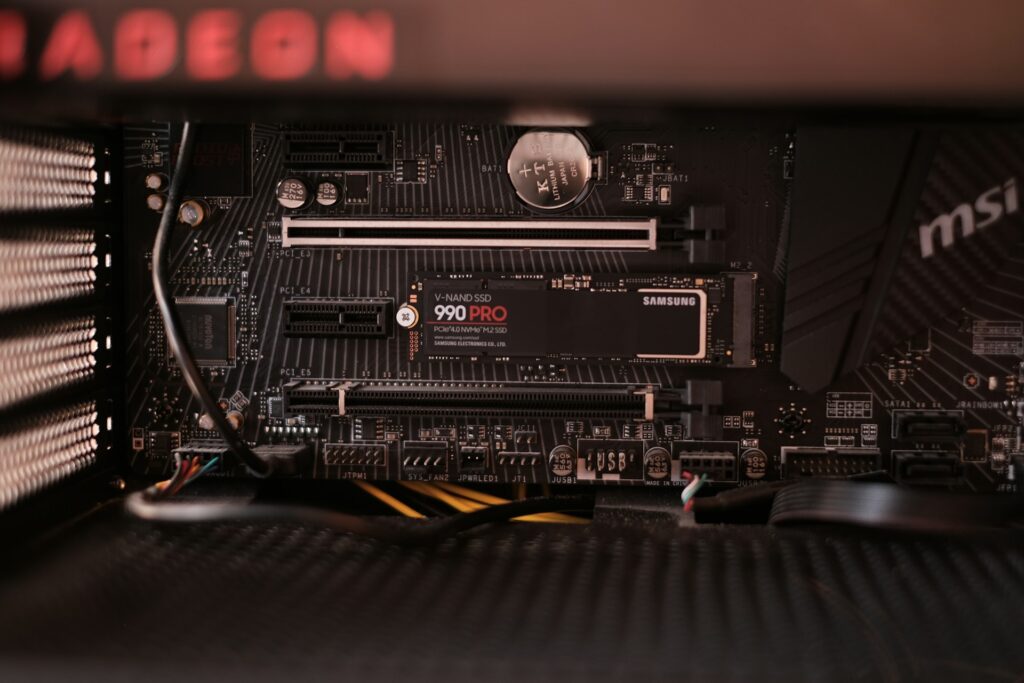
Before it all goes wrong, you will sometimes have signs that things are about to go south. These don’t always happen, but always be aware if you notice any of the following:
- Strange noises: grinding, clicking, or repeating whirrs from HDDs.
- Slow performance: file explorer takes minutes to open folders.
- Corrupted files: documents opening with gibberish or error messages.
- SMART warnings: monitor your drive health tools (CrystalDiskInfo, HDD Guardian).
These early indicators give you a chance to back up or send your drive to Southbit before total failure.
DIY vs Professional Data Recovery
Trying to do things yourself is very often a bad idea. You often only get only shot at recovering data, but if you really do feel the need to tinker then do so with caution.
DIY Approaches
File‑undelete software: Tools such as Recuva and TestDisk can scan empty space for lost entries. Ideal when files were deleted recently and no new data was written.
Disk imaging: Creating a sector‑by‑sector clone using ddrescue or freeware tools preserves the original drive’s state, letting you experiment on a copy.
RAM‑disk tricks: Loading recovery software into RAM avoids writes to the target device.
Caveat: If your drive has physical issues—like worn heads or spindle motor problems—DIY image attempts can cause irreparable damage. That’s when it’s time for a lab.
Professional Services
Southbit combines advanced techniques with a strict ISO‑5 clean‑room environment:
Mechanical Repairs: Expert engineers swap actuator arms, replace ceramic heads, and recalibrate arm assemblies—procedures impossible outside a dust‑free lab.
Firmware Restoration: Proprietary tools reflash or patch custom firmware on disk controllers, recovering drives that standard utilities can’t even detect.
RAID & Virtual Volumes: Our software can reconstruct failed arrays without losing parity or misaligning blocks—critical for enterprise servers and NAS systems.
Backup is the best solution
Data recovery is a lifeline, but prevention is better, but you should adopt a multi‑layered strategy.
3‑2‑1 Backup Rule: Keep three copies of your data, on two different media types (SSD, HDD, tape), with at least one copy offsite or in the cloud.
Services like Backblaze, CrashPlan or local NAS snapshots ensure continuous protection without manual effort.
Enable SMART alerts or use tools like Acronis Drive Monitor to catch errors before they escalate.
A high‑quality UPS shields equipment from surges and keeps you running during brownouts.
Firmware patches often fix bugs that lead to data corruption.
By combining robust backups with quick professional intervention, you create a safety net that mitigates almost any failure scenario. If disaster strikes, Southbit’s data recovery specialists are ready to act—because when it comes to your memories or mission‑critical data, every second counts.
